Extra services: turn on add-on modules
On this page
Quick answer
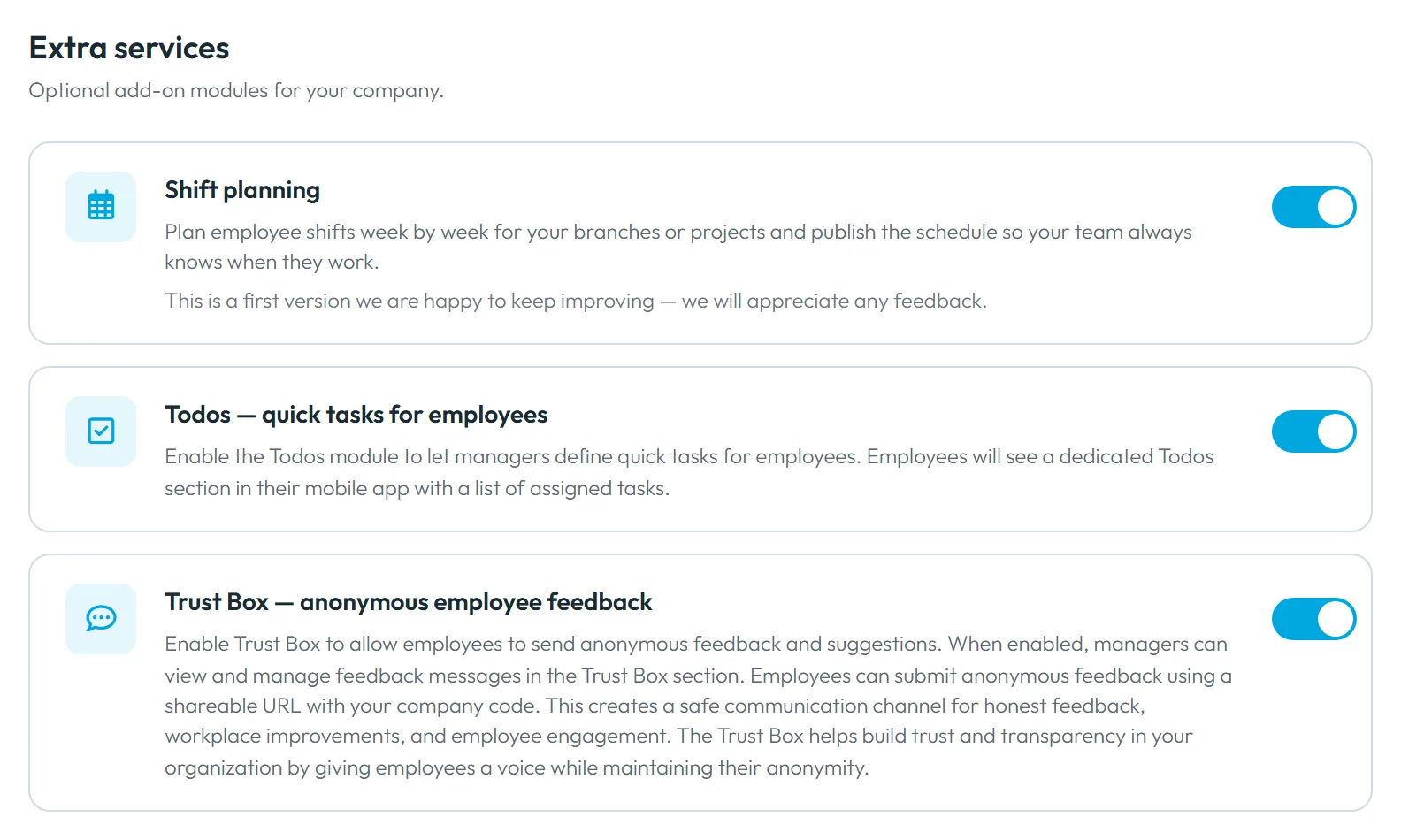
To turn on add-on modules, open My Company › Extra services and flip the switch on the module’s card – for example Shift planning or Todos — quick tasks for employees. It saves at once and the module appears in the left menu. Switching it off hides it again; your data stay.
How to turn it on
Each module has its own switch on the Extra services tab. There is no Save button – the switch saves the moment you click it, and the menu item appears or disappears without reloading the page.
- My Company
- Extra services
- Who can turn it on
- The Owner, Administrators and Company Settings: View & Edit. Other accounts don’t see this tab.
- What changes
- The module’s menu item appears in the web app. Employees get its part of the app – My Shifts or the Tasks tab – the next time they open Home with an internet connection.
- Applies to
- The whole company. A module can’t be turned on for some branches or employees only; you decide who gets shifts or todos.
#What it's good for
- Teams that only track attendance keep a simple menu and a simple app.
- You add shift planning or todos when you need them, without a new app for anyone.
- Switching a module off keeps everything you created in it.
#Who it's for
A good fit for
- Companies with weekly rosters – shift planning.
- Teams with recurring small jobs, checklists and photo proof – Todos.
Not the right fit for
- Companies that only need clock-in and clock-out. Leave the modules off.
- Features without a switch here, such as clocking in without a QR code: FreshQR support turns those on – write to info@freshqr.online or on WhatsApp.
#The modules
| Module | In the web app | In the employee’s app | Read more |
|---|---|---|---|
| Shift planning | Menu item Shift planner. From the day you first switch it on, published shifts become the expected working time in reports. | My Shifts on Home, shift requests and the swap board. | Enable the shift planner – read it before you switch on. |
| Todos — quick tasks for employees | Menu item Todos. | A Tasks tab with the number of open tasks. | Assign tasks to employees with Todos |
Each card shows the module’s current terms. Prices and conditions are on the pricing page.
#Step by step
-
Open Extra services.
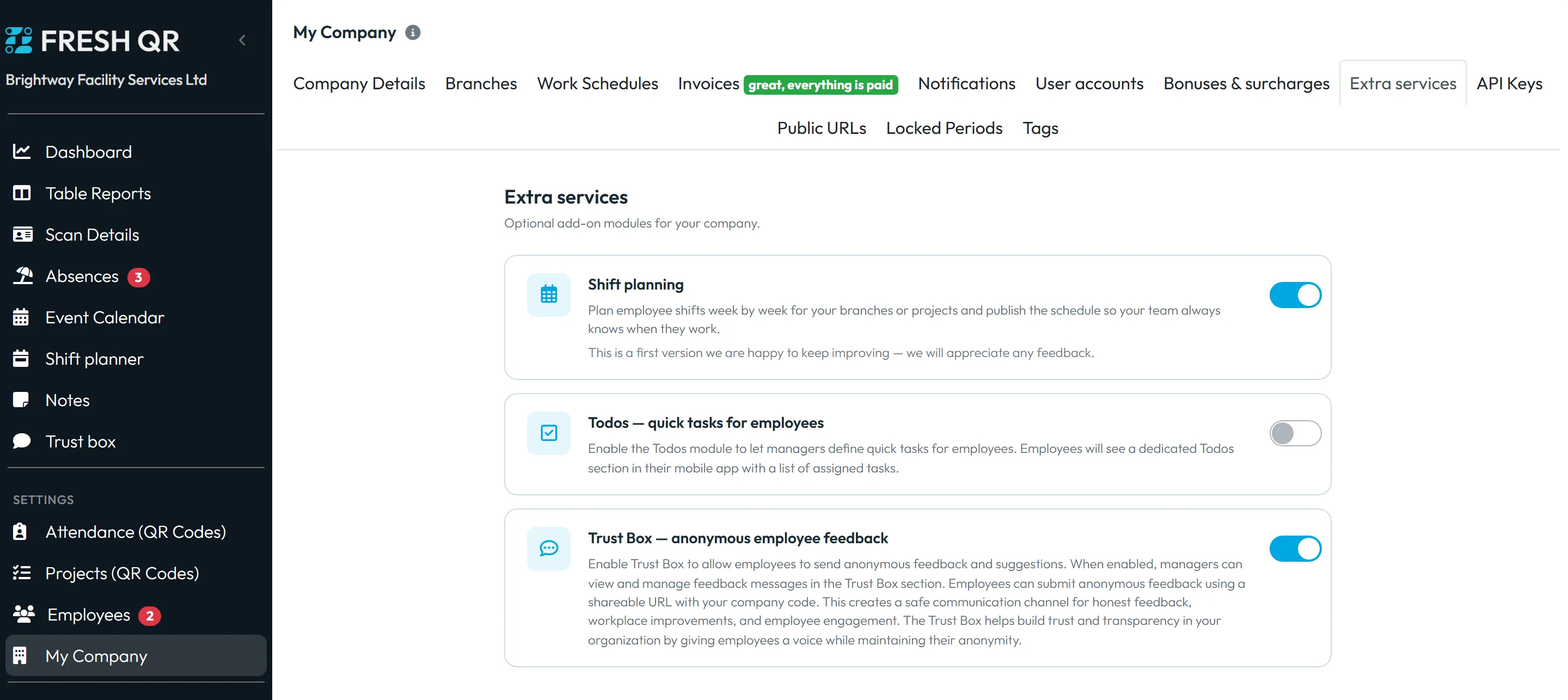
Go to My Company and click the Extra services tab. Under Optional add-on modules for your company. you see a card for each module with a short description.
-
Flip the switch.
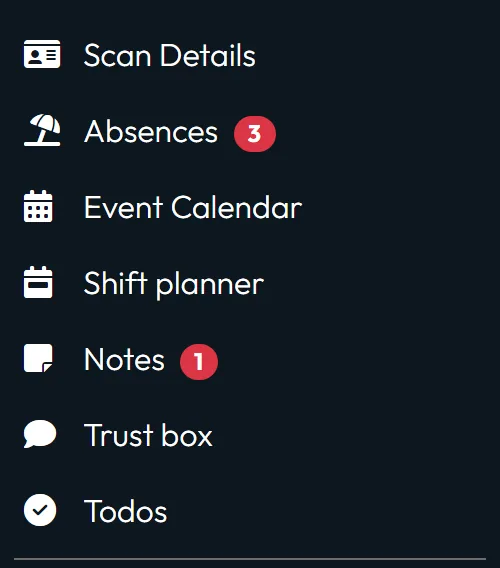
Click the switch on the card. A moment later the module’s item appears in the left menu – for example Shift planner or Todos. If the switch jumps back, the change wasn’t saved; try again.
For shift planning, read Enable the shift planner first: switching it on changes how expected working time is counted in reports.
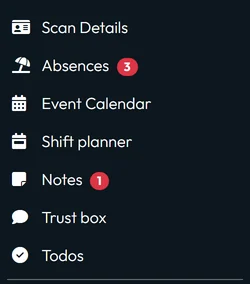
Modules you turn on appear in the menu -
Give your managers access.
The Owner and Administrators see new modules straight away. Other user accounts need a role for them: Shift Planner: View & Edit, or Todos: View & Edit / Todos: View Only. See User accounts and roles.
-
Tell your employees.
Employees get the module in their app the next time they open Home with an internet connection; pulling the Home screen down refreshes it. There is no notification, so a short message to the team helps.
#Switching a module off
- Flip the switch backClick the switch again. The menu item disappears at once, and the employees’ app hides the module after its next refresh. Your todos and shifts stay stored and come back when you switch the module on again. For shift planning, the change in reports is explained in Enable the shift planner; ask FreshQR support before you switch it off.
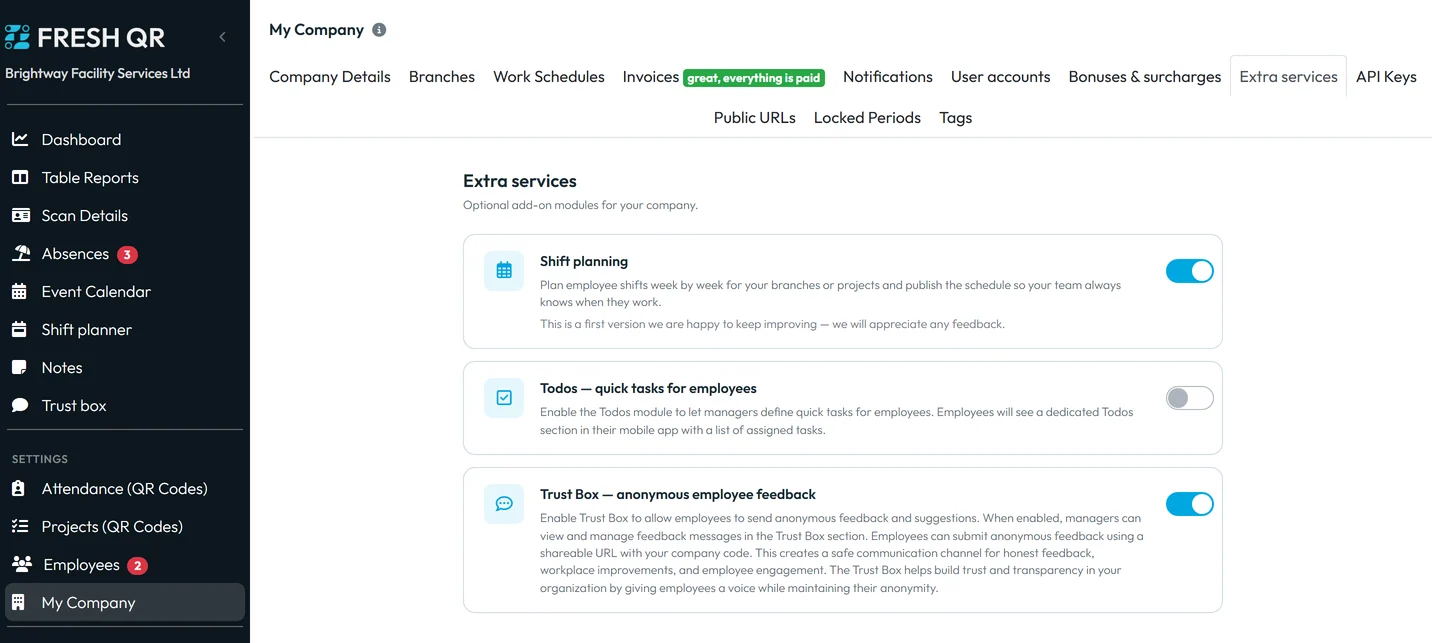
A module you switch off leaves the menu; its data stay
#Special cases and tips
- An employee doesn’t see the new tab
- Their app hasn’t refreshed yet. Ask them to open Home and pull the screen down, or close and reopen the app.
- Looking for something that isn’t here
- API keys have their own tab – see API Keys and REST API. A public attendance board for a TV is set up from the Dashboard – see Attendance board on a TV.
#Frequently asked questions
Do I lose data when I switch a module off?
No. Todos and shifts stay stored and come back when you switch the module on again.
Can I turn a module on for one branch only?
No. Modules are company-wide. You decide who gets shifts or todos.
Do modules cost extra?
Each card shows its current terms, and the pricing page has the details.
Who can switch modules on and off?
The Owner, Administrators and accounts with Company Settings: View & Edit.
#Related
You are hereExtra services
Web app (administrator)Mobile app (employee)