Forgot your FreshQR password? Reset it and log in
On this page
Quick answer
Forgot your FreshQR password? Click Forgotten password on the login page, enter your email and follow the link to set a new one. Only owners, administrators and managers log in – to the web app, with an email and password. Employees don’t log in anywhere: they use the mobile app without a password.
#What it's good for
- Each manager has their own account. Changes are written to the Change Log under their name, so you know who changed what.
- You reset your own password without writing to support.
- No passwords to hand out to staff or for them to remember.
#Who it's for
A good fit for
- The main account – the person who signed the company up.
- Administrators, branch managers, bookkeepers and anyone else the main account has created a user account for.
Not the right fit for
- Employees who only scan. The mobile app has no login; the phone joins the company with its first scan – see Installing the app and joining your company.
#Step by step
-
Open the login page.
On the FreshQR website, click Login. Enter your email and password and confirm. The check against bots runs in the background; there is nothing else to fill in.
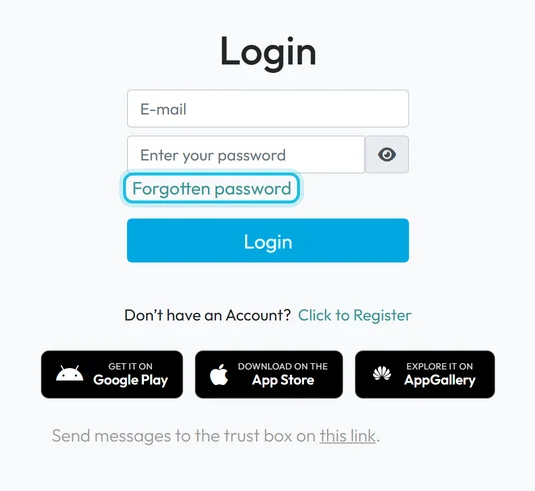
The Forgotten password link is under the password field -
Carry on where your role takes you.
After logging in you see the first page your role is allowed to open. For most people that is Table Reports. An account with the role Workplace board status only gets the status board for a TV screen – see Public Dashboard URL.
-
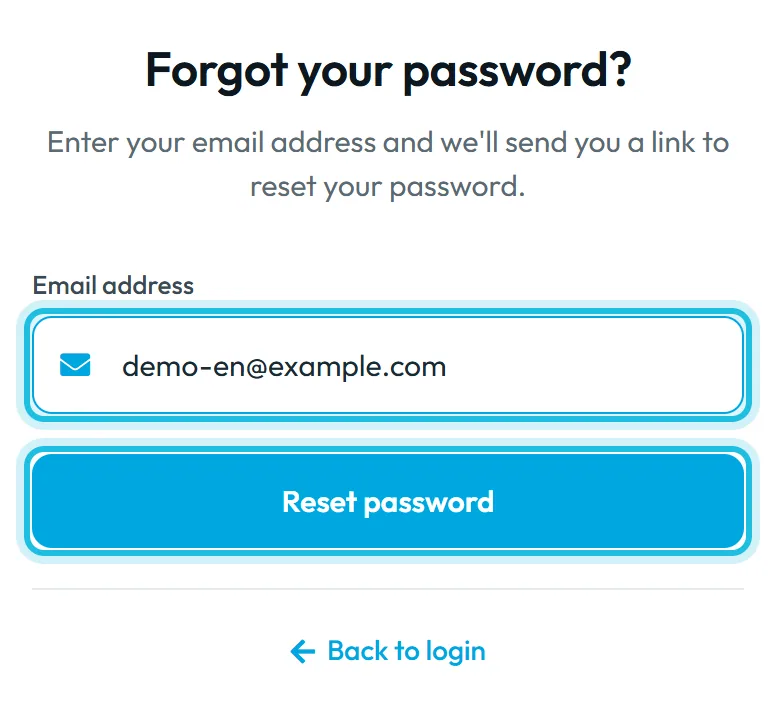
Forgotten your password? Click Forgotten password.
The page Forgot your password? opens. In Email address, enter the email you log in with and click Reset password.
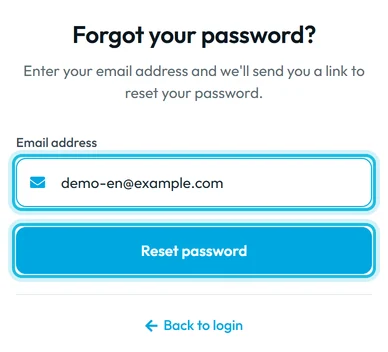
Enter the email you log in with -
Open the email with the link.
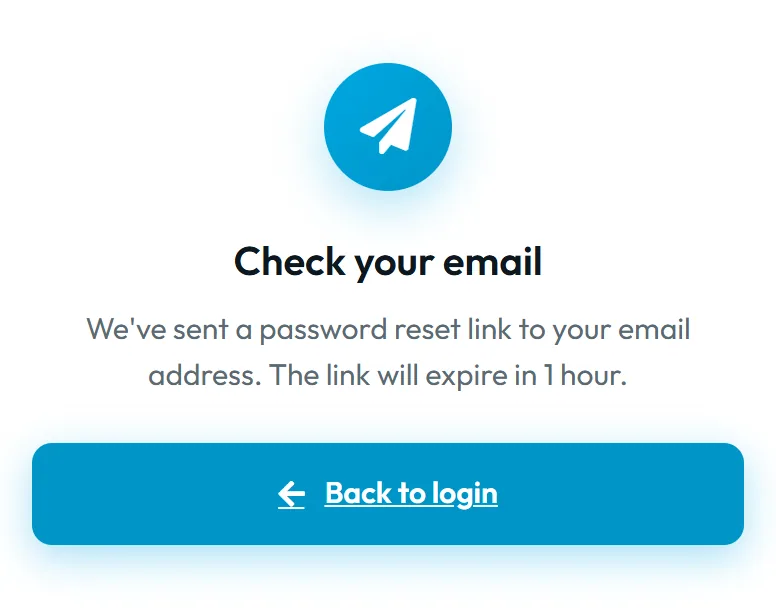
The page shows
Check your email
. The reset link is valid for 1 hour. If the email hasn’t arrived within a few minutes, check your spam folder too.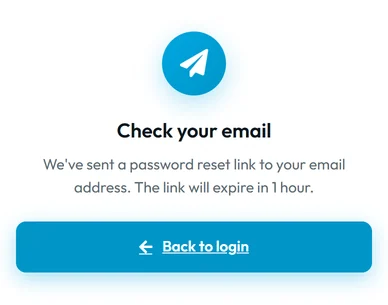
The reset link is valid for 1 hour -
Set a new password.
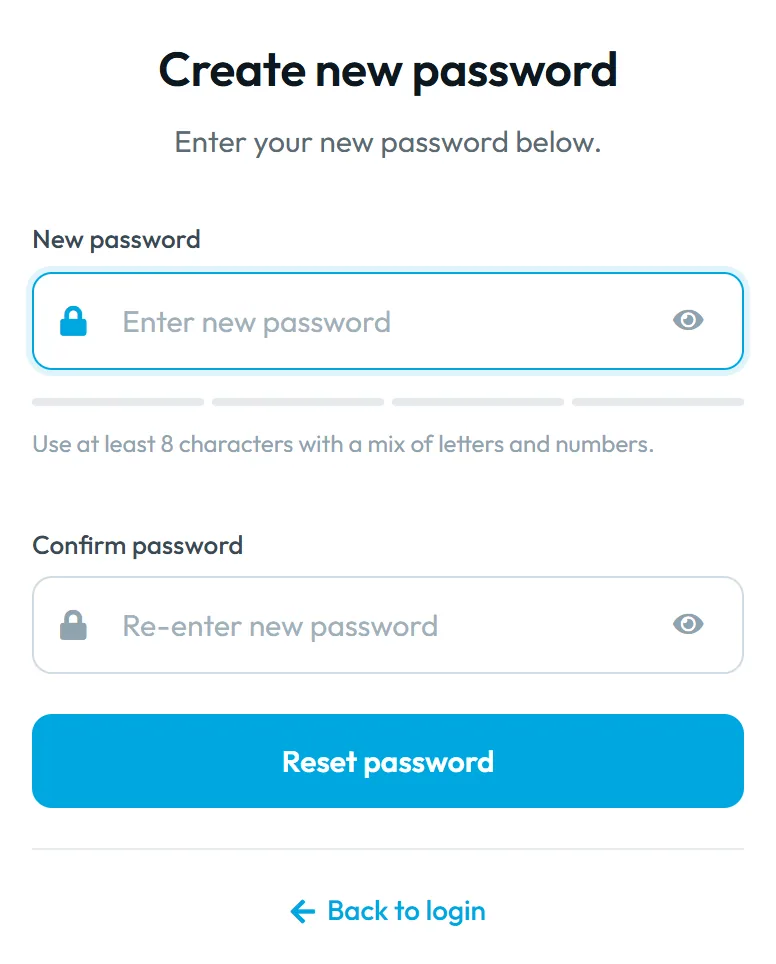
The link opens Create new password. The password must be at least 8 characters long; the app suggests
Use at least 8 characters with a mix of letters and numbers.
Type it again in the second field and save. Then log in with the new password.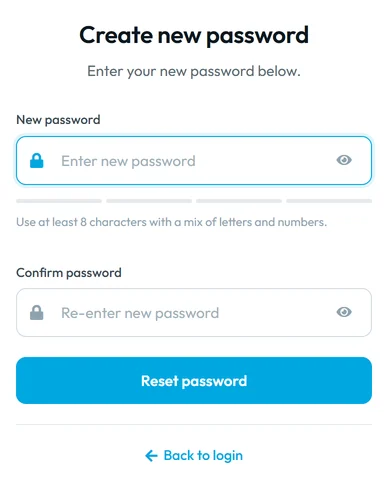
The new password needs at least 8 characters

#Other ways to get into your account
- A colleague creates your accountIf you are a new manager, don’t sign up. The main account or an administrator creates a user account with a role for you in My Company › User accounts. You get the password from whoever created the account, or set your own with Forgotten password. See User accounts and roles.
- You don’t have an account yetUnder the login form there is a link to register. Use it only to set up a new company – see Sign-up and the 30-day trial.
#Special cases and tips
- Invalid email or password
- This message means the email or the password doesn’t match. Check for typos and capital letters. If you’re unsure of the password, request a new one with Forgotten password.
- The link has expired
- If you open the link more than an hour later, the app says it has expired. Request a new one on the Forgot your password? page.
- The email doesn’t arrive
- The page shows Check your email for every address, including ones that have no account with us. That way nobody can find out who uses FreshQR. If no email comes, make sure you typed exactly the email you log in with.
- Changes in a locked period
- For periods marked Password protected, the app asks for your login password again before any change. See Locked periods.
- Trust box link
- The login page also links to the trust box. That link is meant for employees, not for logging in to the web app – see Trust box.
#Frequently asked questions
Do employees need a username and password?
No. The mobile app joins the company with the first QR scan. Only people who work in the web app log in.
How long is the password reset link valid?
One hour. After that, request a new one.
Can a colleague and I share one login?
Better not. Give each person their own user account with a role. They see only what they need, and the Change Log shows clearly who edited what.
My password is right but I still can’t log in. What now?
First set a new password with Forgotten password. If that doesn’t help, write to us at info@freshqr.online or on WhatsApp.
#Related
You are hereLogging in and resetting your password
Administrator
Web app (administrator)Mobile app (employee)