Project Manager role: project manager access to their own sites
On this page
Quick answer
Project manager access is a user account with the role Project Manager (or Project Manager: View Only) and a list of projects. Create it in My Company › User accounts, switch the role on and pick the projects under Select projects.... The manager then sees only those sites on the Dashboard, in Scan Details, Table Reports and Projects.
#What it's good for
- A site supervisor sees who works on their sites without seeing the rest of the company.
- Absences, employees, pay settings and company settings stay out of view.
- One supervisor can look after several sites; you choose exactly which.
- The View Only variant suits someone who should look but not change anything.
#Who it's for
A good fit for
- Cleaning, facility and construction firms with supervisors responsible for certain client sites.
- Firms that want a foreman or a client representative to check hours on one job.
Not the right fit for
- Fixed workplaces: for a manager of a branch use the Branch Manager role – see User accounts and roles.
- A person who runs everything needs the Administrator role instead.
#Step by step
-
Make sure the projects exist.
A Project Manager can’t create projects. Create them first in Projects (QR Codes) – see Projects and project QR codes.
-
Create the user account.
Go to My Company › User accounts and click Create user account. Enter the supervisor’s e-mail and a password. User accounts are logins for the web app; the supervisor still clocks in with their own phone like every employee.
-
Switch on Project Manager and pick the projects.
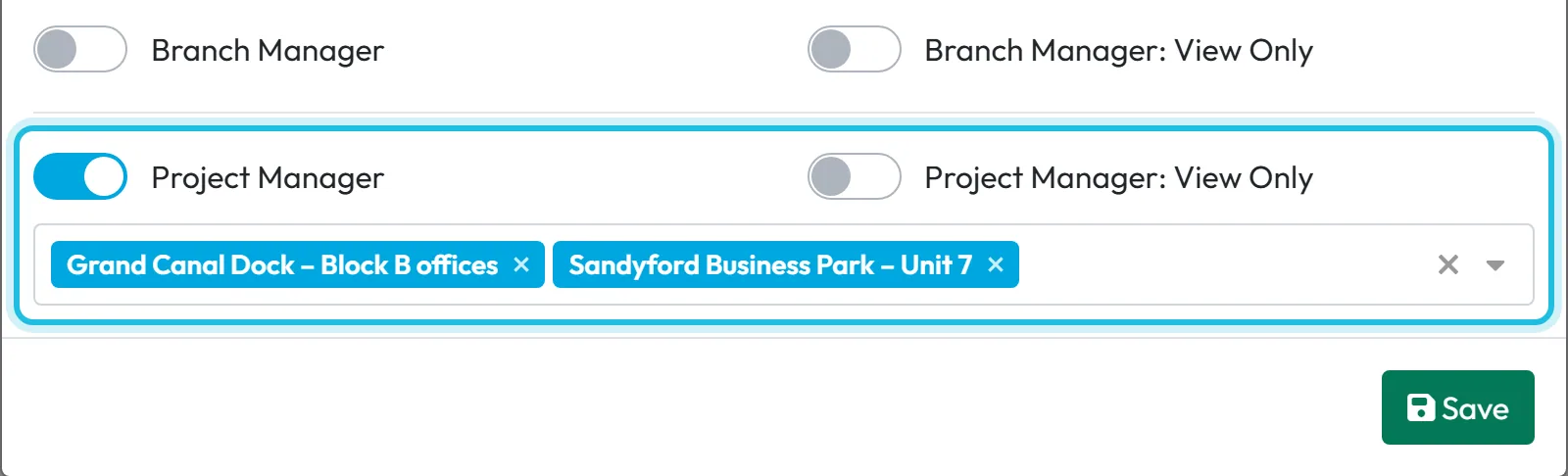
Among the roles, switch on Project Manager – or Project Manager: View Only for someone who should only look. A field Select projects... appears. Choose the sites, for example Grand Canal Dock – Block B offices and Sandyford Business Park – Unit 7 for site supervisor Ciarán Murphy. Click Save.
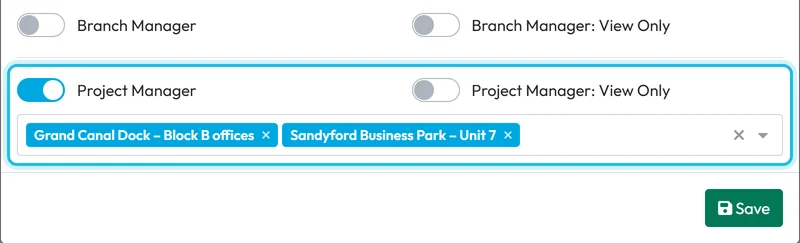
Pick the projects a project manager can manage -
Hand over the login.
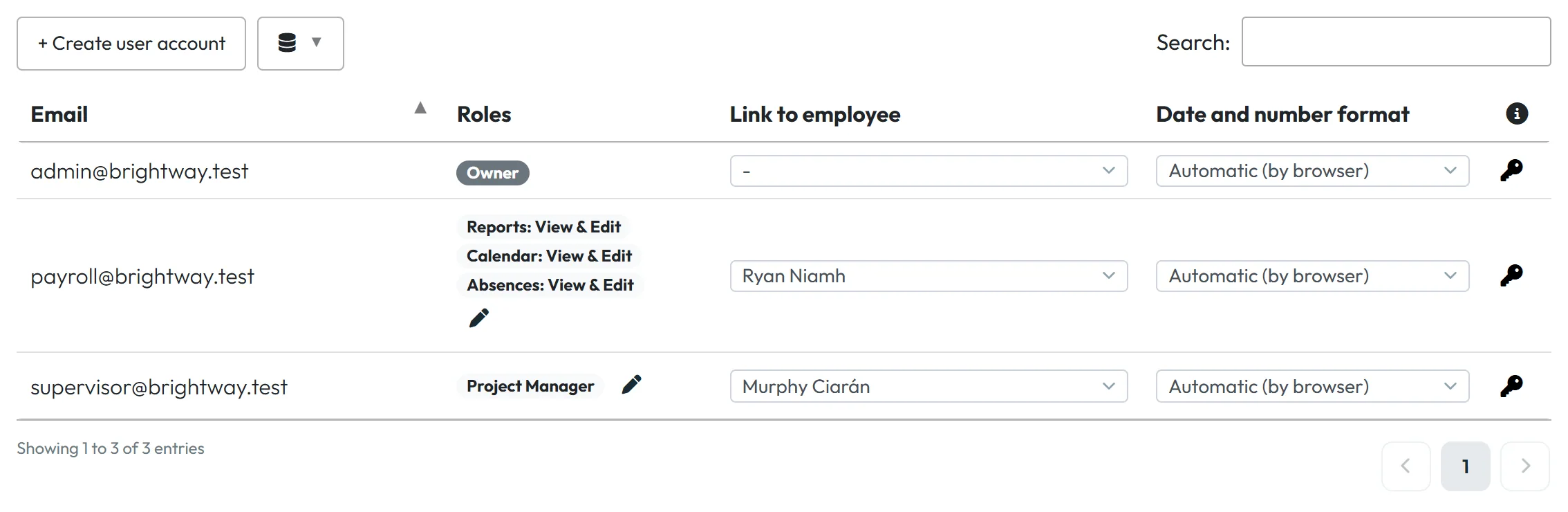
The account appears in the list with its role. Give the supervisor the e-mail and password; they can set a new password later with Forgotten password on the login page – see Logging in and resetting your password.
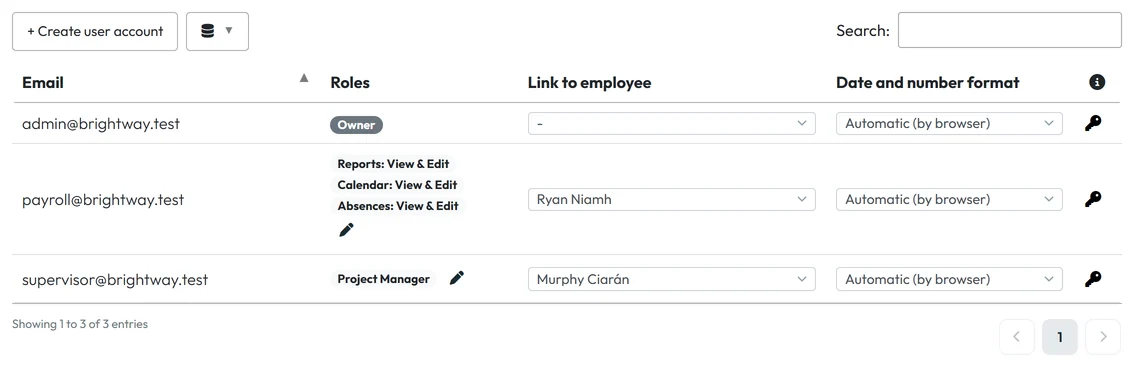
A project manager account in the list -
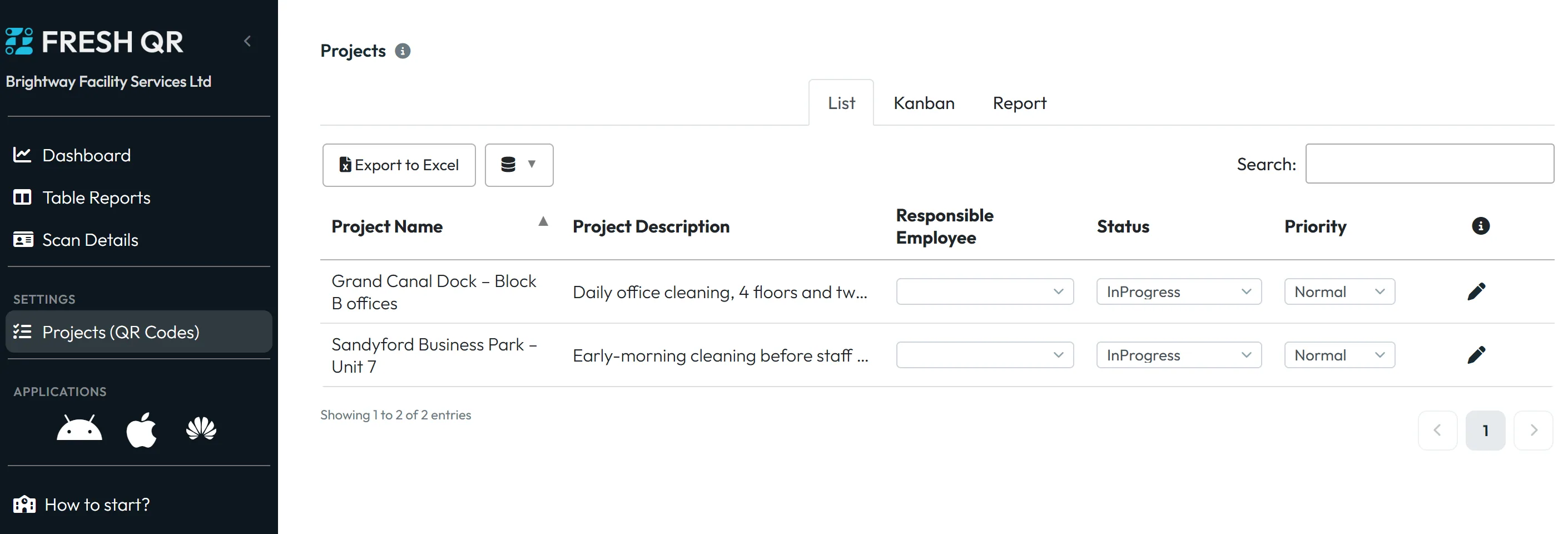
Check what the manager sees.
The left menu offers only Dashboard, Table Reports, Scan Details and Projects (QR Codes). Projects shows only the assigned sites, without the button for new projects. The Dashboard shows who is working on those sites.
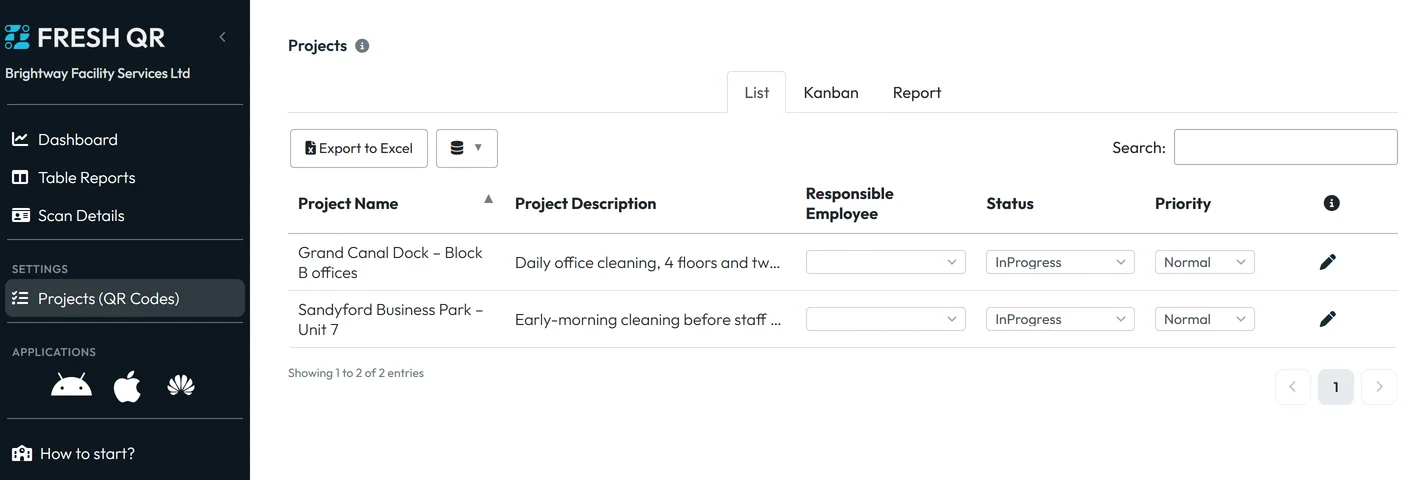
What a project manager sees -
Reports and scans for their sites.
In Table Reports the manager gets Calendar, Project detail, Farthest GPS scans, Branches/Projects Overview and Branches/Projects Comparison, all limited to their projects. Scan Details lists only scans on their sites; with the Project Manager role they can correct a forgotten end of work there, with View Only they can just look.

Reports a project manager can open

#Changing access later
- Add or remove a siteIn User accounts, open the manager’s roles (the pencil next to the role) and change the projects under Select projects.... New projects are never added automatically – add each new site here.
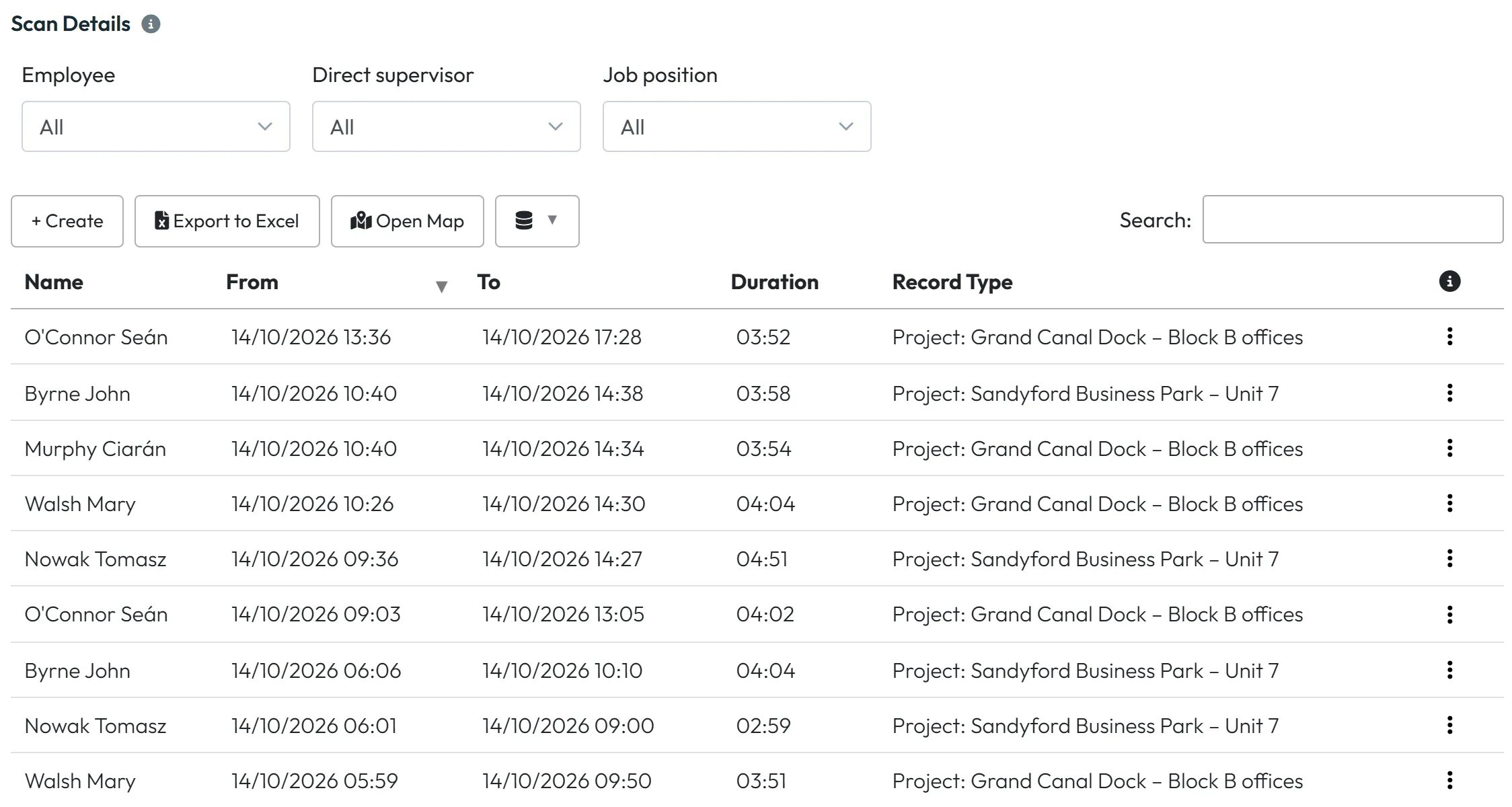
- Scans on their sitesWhat the manager sees in Scan Details:
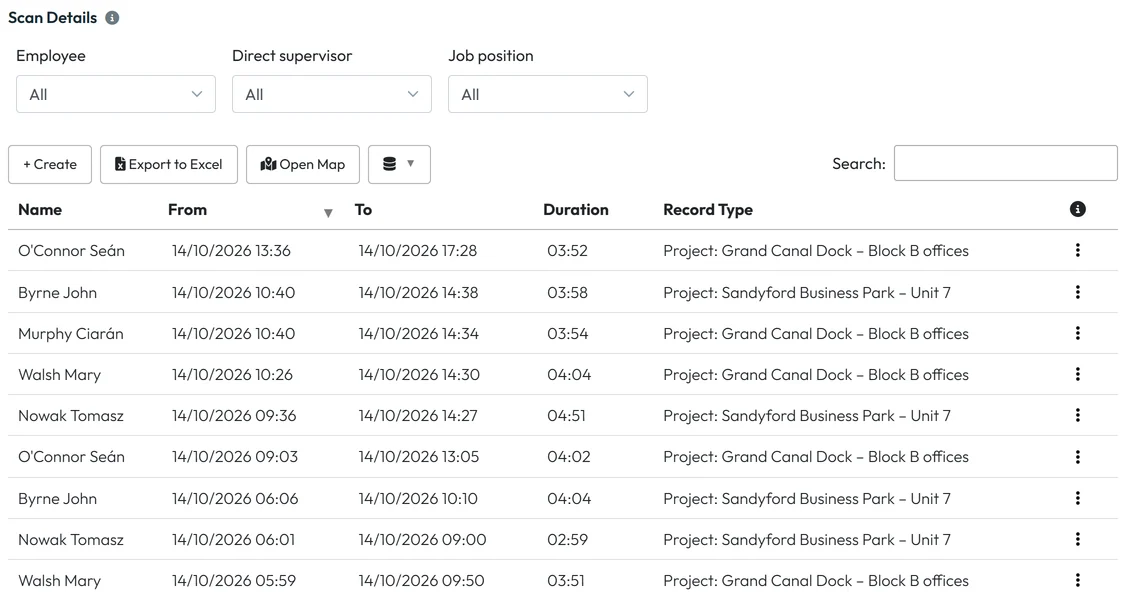
A project manager sees scans on their sites
#Special cases and tips
- The manager doesn’t see a new site
- Add the project to their account – new projects are not added on their own.
- The manager sees nothing at all
- No project is selected in their role. Pick at least one.
- They should also approve leave
- Absences are not part of this role. Which roles can handle absence requests is described in User accounts and roles.
#Frequently asked questions
Can a Project Manager create projects?
No. An Owner or Administrator creates the project and adds it to the manager’s account.
Does a Project Manager see the shift planner or absences?
No. Their menu has only Dashboard, Table Reports, Scan Details and Projects (QR Codes).
Does the extra login cost anything?
Pricing depends on active employees, not on user accounts – see the pricing page.
What is the difference between Project Manager and Project Manager: View Only?
Both see the same projects. View Only can’t change anything.
#Related
You are hereProject Manager role
Web app (administrator)Mobile app (employee)